Example 41: Low Components with Constructible Walls
Use shallow storage for low card and marker groups while preserving the wall height needed for assembly.
BGI / EXAMPLE 41Dimensions in mm
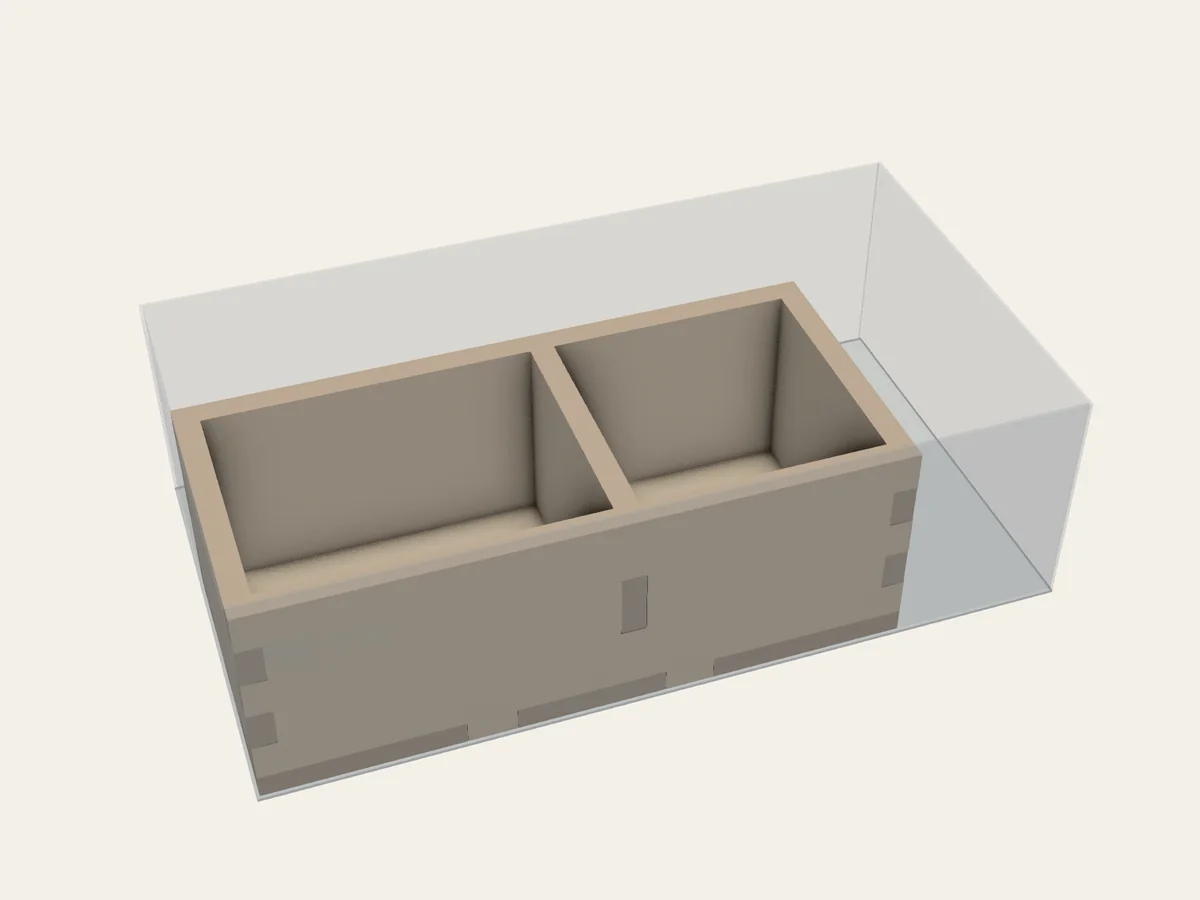
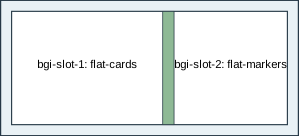
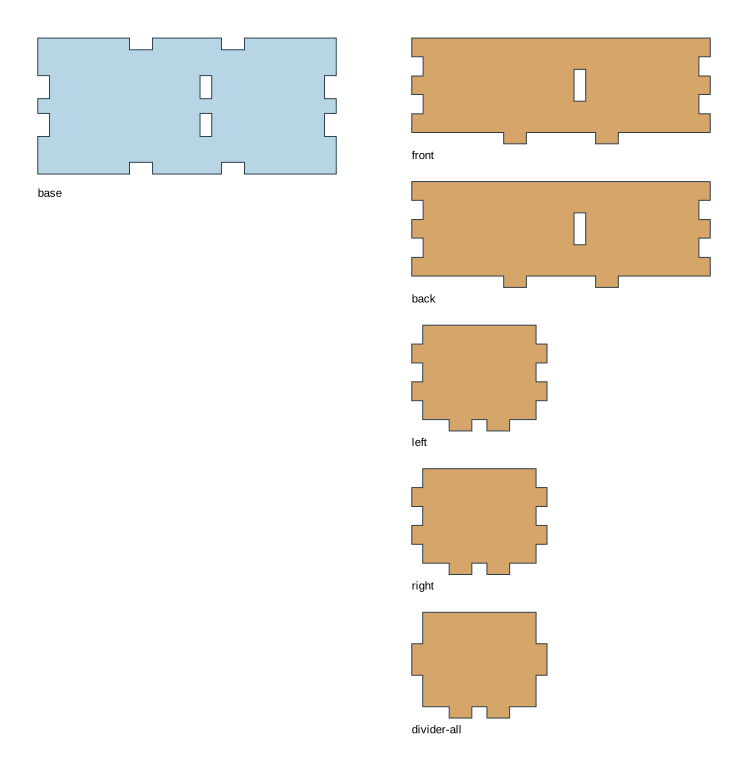
What to notice in the project file
Section titled “What to notice in the project file”This section shows the settings for trying layouts:
search: {budget: 40, top_k: 3}Full project file
Section titled “Full project file”The shaded lines mark that section in the complete YAML. This is the same project file linked below.
schema_version: 1readme: "Use shallow storage for low card and marker groups while preserving the wall height needed for assembly."project: id: auto-low-components name: Low Components with Constructible Wallsbox: inner_mm: [100, 55, 30]material: profile: de-mdf-3mm overrides: thickness_mm: 3 kerf_mm: 0.16 fit_clearance_mm: 0.10components: - id: flat-cards kind: explicit clear_min_mm: [40, 30, 6] clear_max_mm: [100, 100, 26] orientations: [xy] - id: flat-markers kind: explicit clear_min_mm: [30, 30, 8] orientations: [xy]assemblies: - id: grid kind: grid construction: open_grid_box assembly: glue_allowed members: [flat-cards, flat-markers] interior: {id: all, kind: auto}layout: mode: auto construction_mode: full_box search: {budget: 40, top_k: 3}Open 41-auto-low-components.bgi.yaml and save a copy if you want to edit it in your own folder. This project asks BGI to try layouts. Follow Let BGI suggest layouts to choose a saved result before building.