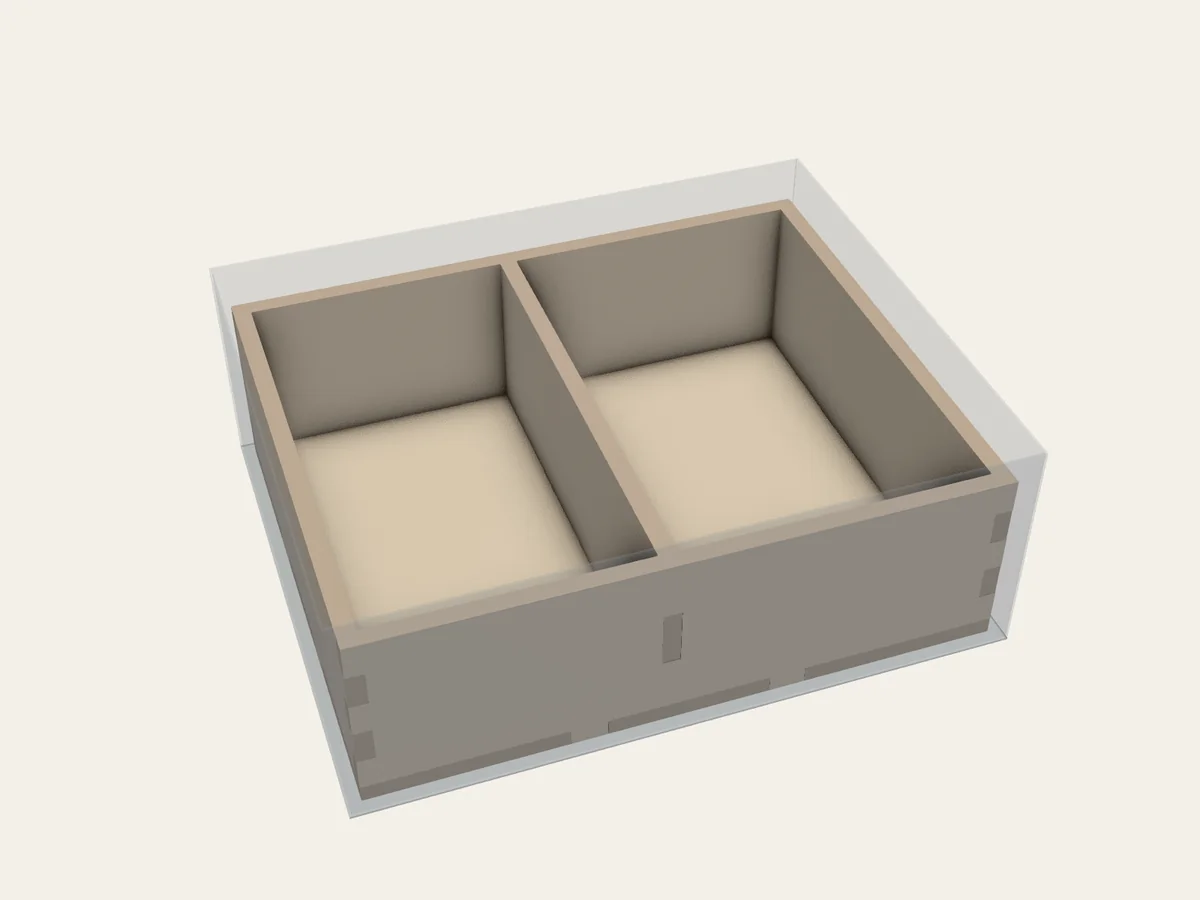
 FIG. 02
Introduction / Manual
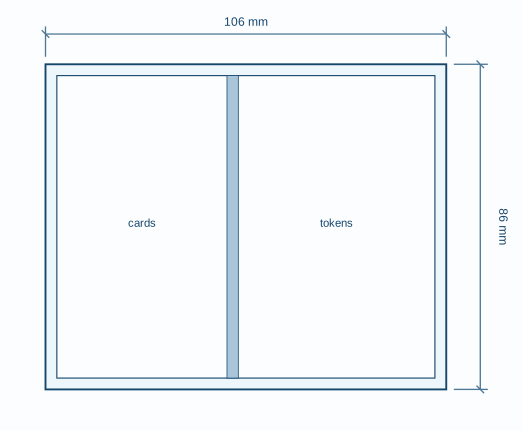
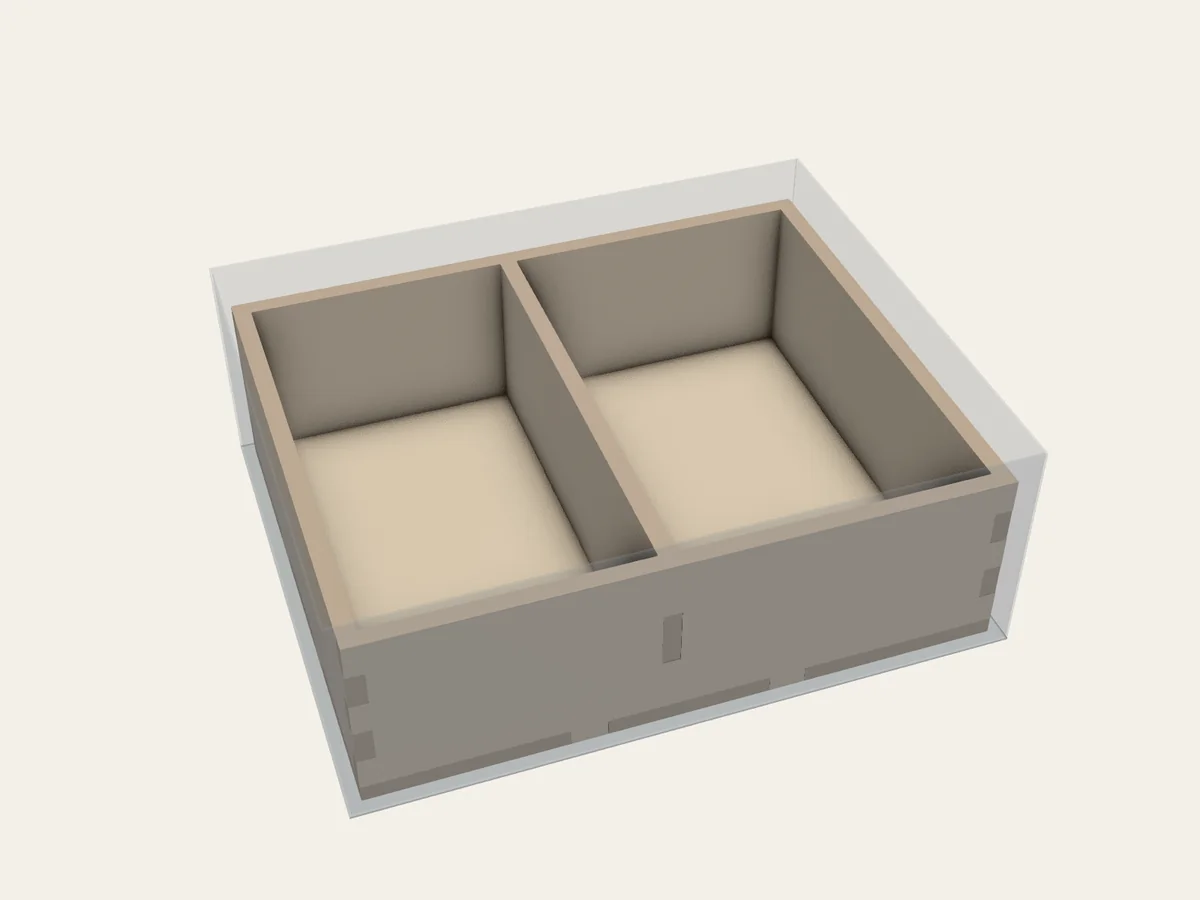
One divider. Two compartments.
A shared wall turns a simple box into two usable spaces. Follow the measurements from project file to finished parts.
A handbook for making space
Turn board game components into a measured plan for a laser-cut insert.
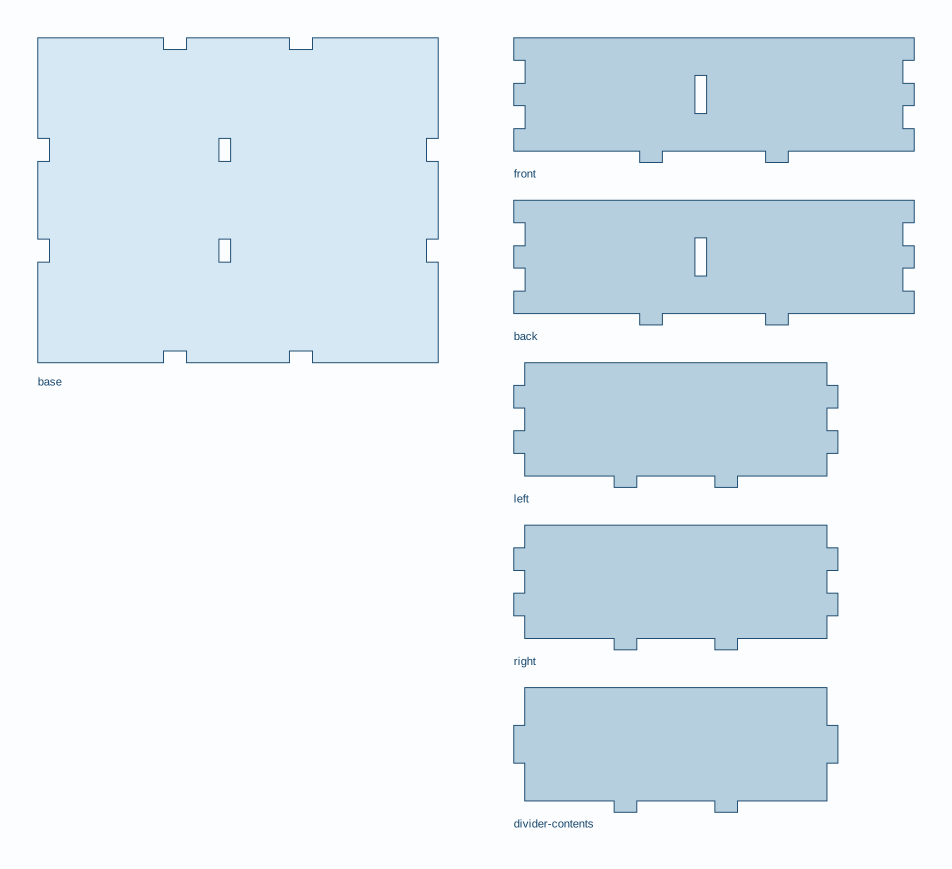
Describe your box, its contents, and your material. Board Game Inserts lays out compartments, designs the panels and joints, and produces SVG cutting files for laser cutting.
From measurements to cut files
Record the box interior, component sizes, and handling space.
What to measure →Choose what stays together and give BGI the space each set of pieces needs.
Set up your project →Let BGI try layouts, then compare drawings and decide what works for play.
Get layout suggestions →Calibrate the material and joints, then cut the panels and follow the assembly plan.
Prepare for cutting →Working drawings
FIG. 02Introduction / Manual
A shared wall turns a simple box into two usable spaces. Follow the measurements from project file to finished parts.
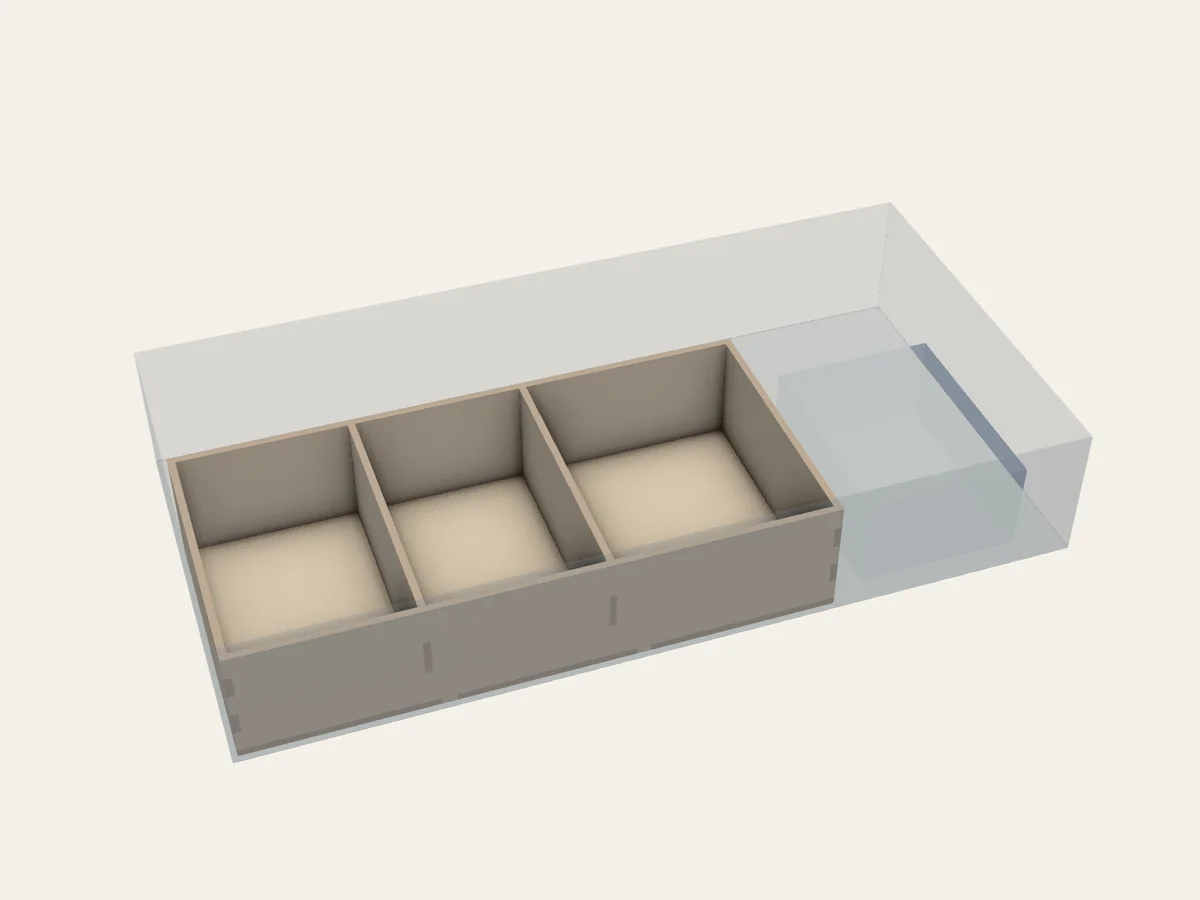 FIG. 06
Mixed storage / Manual
New compartments for cards sit beside a box you already own. BGI makes parts only for the new compartments.
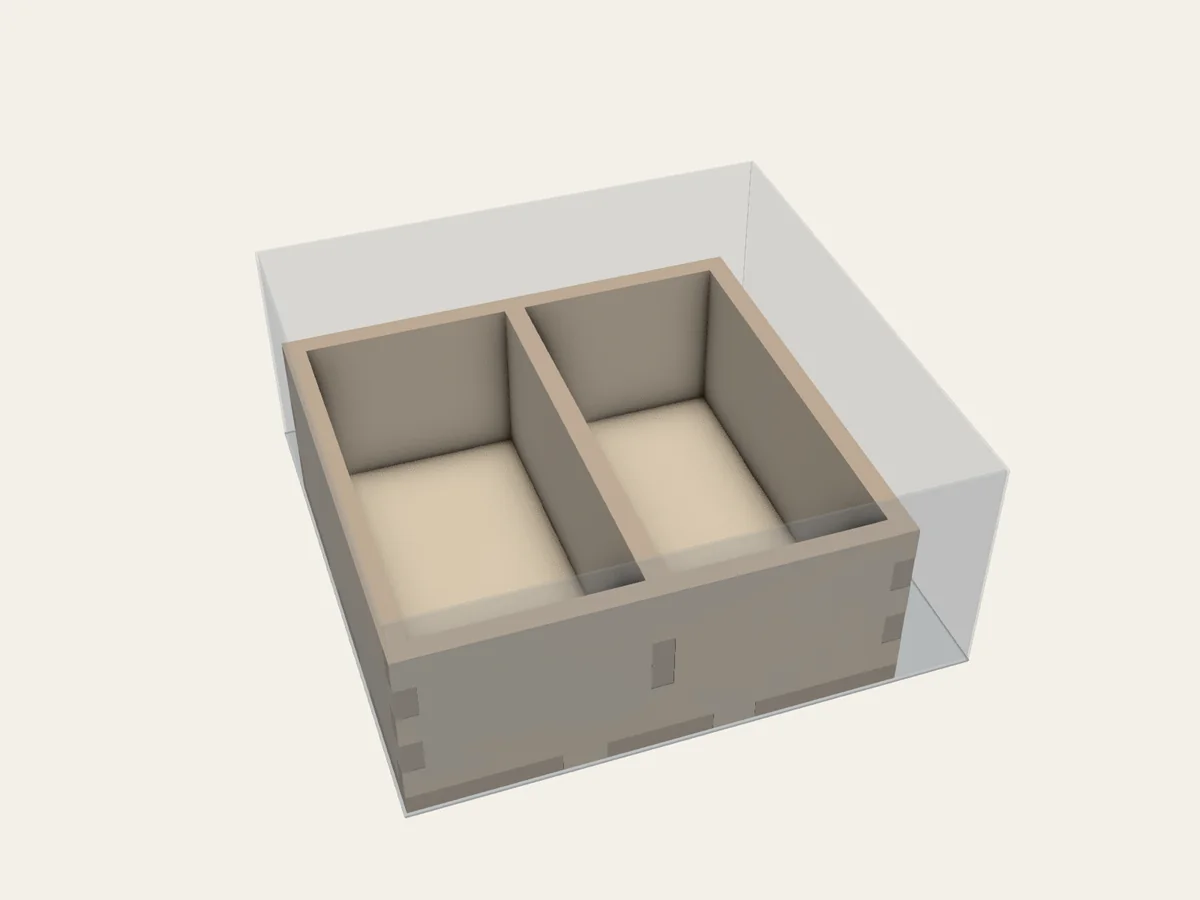 FIG. 11
Automatic layout / Automatic
Tell BGI how much room your pieces need. It suggests layouts you can review before making cutting files.
Under the surface
See how storage requirements become compartments, panels, joints, and cutting paths.