Example 11: Automatic Strips with Rotation
Let the layout place card and marker groups in strips, including a rotated arrangement when useful.
BGI / EXAMPLE 11Dimensions in mm
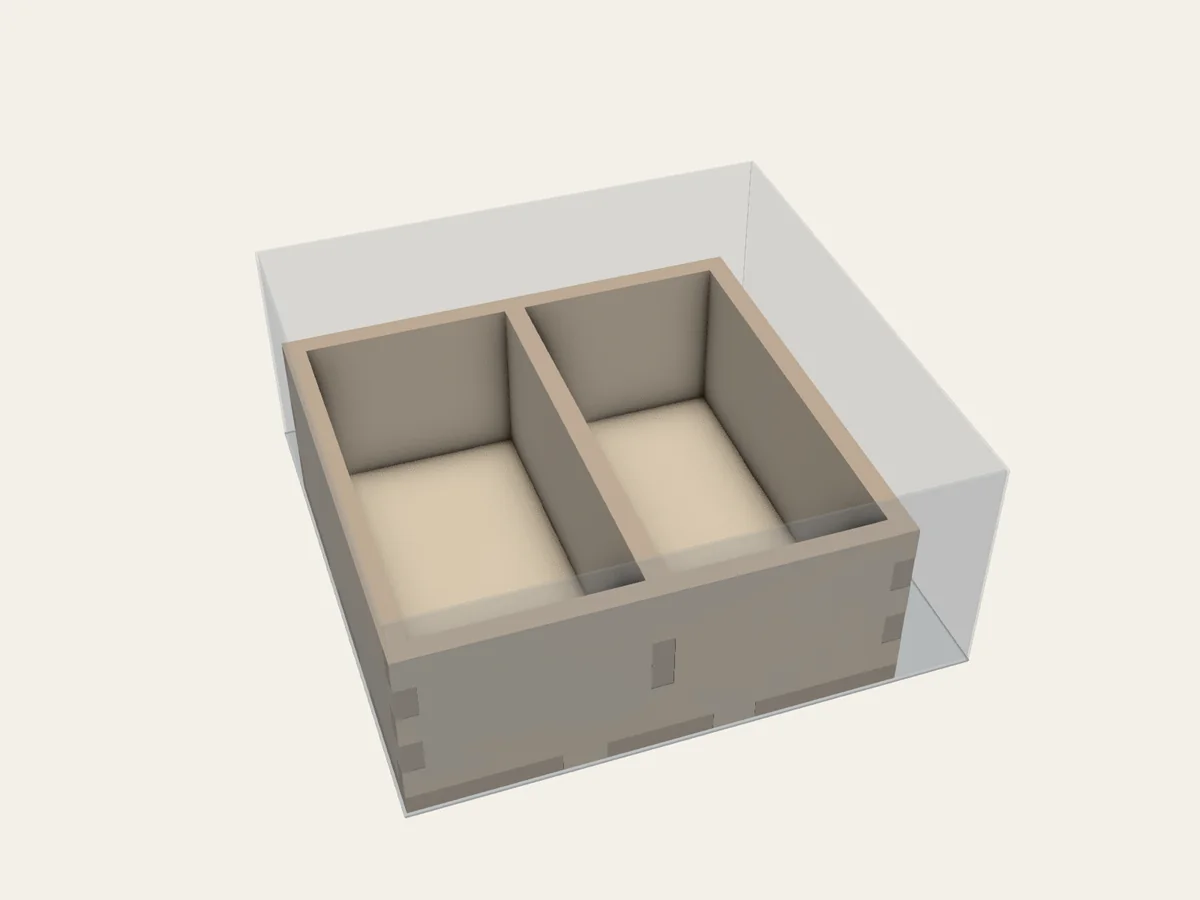
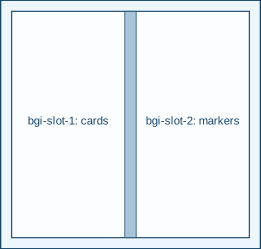
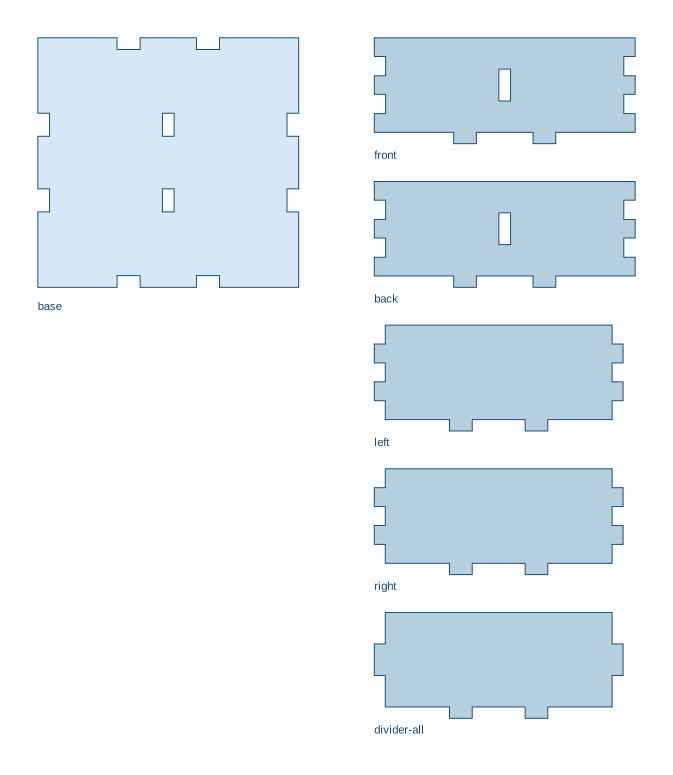
The translucent outer shell shows the game box interior. Translucent blue objects are existing containers.
What to notice in the project file
Section titled “What to notice in the project file”This section shows the settings for trying layouts:
search: budget: 100 top_k: 3Full project file
Section titled “Full project file”The shaded lines mark that section in the complete YAML. This is the same project file linked below.
schema_version: 1readme: "Let the layout place card and marker groups in strips, including a rotated arrangement when useful."project: id: auto-strips name: Automatic Strips with Rotationbox: inner_mm: [80, 80, 35]material: profile: de-mdf-3mm overrides: thickness_mm: 3 kerf_mm: 0.16 fit_clearance_mm: 0.10components: - id: cards kind: explicit clear_min_mm: [60, 30, 25] orientations: [xy, yx] - id: markers kind: explicit clear_min_mm: [30, 40, 25] orientations: [xy]assemblies: - id: grid kind: grid construction: open_grid_box assembly: glue_allowed members: [cards, markers] interior: id: all kind: autolayout: mode: auto construction_mode: full_box search: budget: 100 top_k: 3Open 11-auto-strips.bgi.yaml and save a copy if you want to edit it in your own folder. This project asks BGI to try layouts. Follow Let BGI suggest layouts to choose a saved result before building.